
Help without the runaround
SumKind Support
SumKind should feel simple. If something is unclear or not working, tell us what you expected and what happened instead.
Pre-release support
SumKind is still preparing for public release. Current testers should reply through the same development or TestFlight channel that provided the build. A public support address will be posted here before the App Store release.
Please do not send bank credentials, Apple Account passwords, or a full financial export.
Quick checks
- Open SumKind Settings and expand iCloud Sync.
- Confirm the device is signed in to iCloud and connected to the internet.
- Use Refresh SumKind if another Apple device saved a recent change.
- Include the SumKind version, device type, and a short description when asking for help.
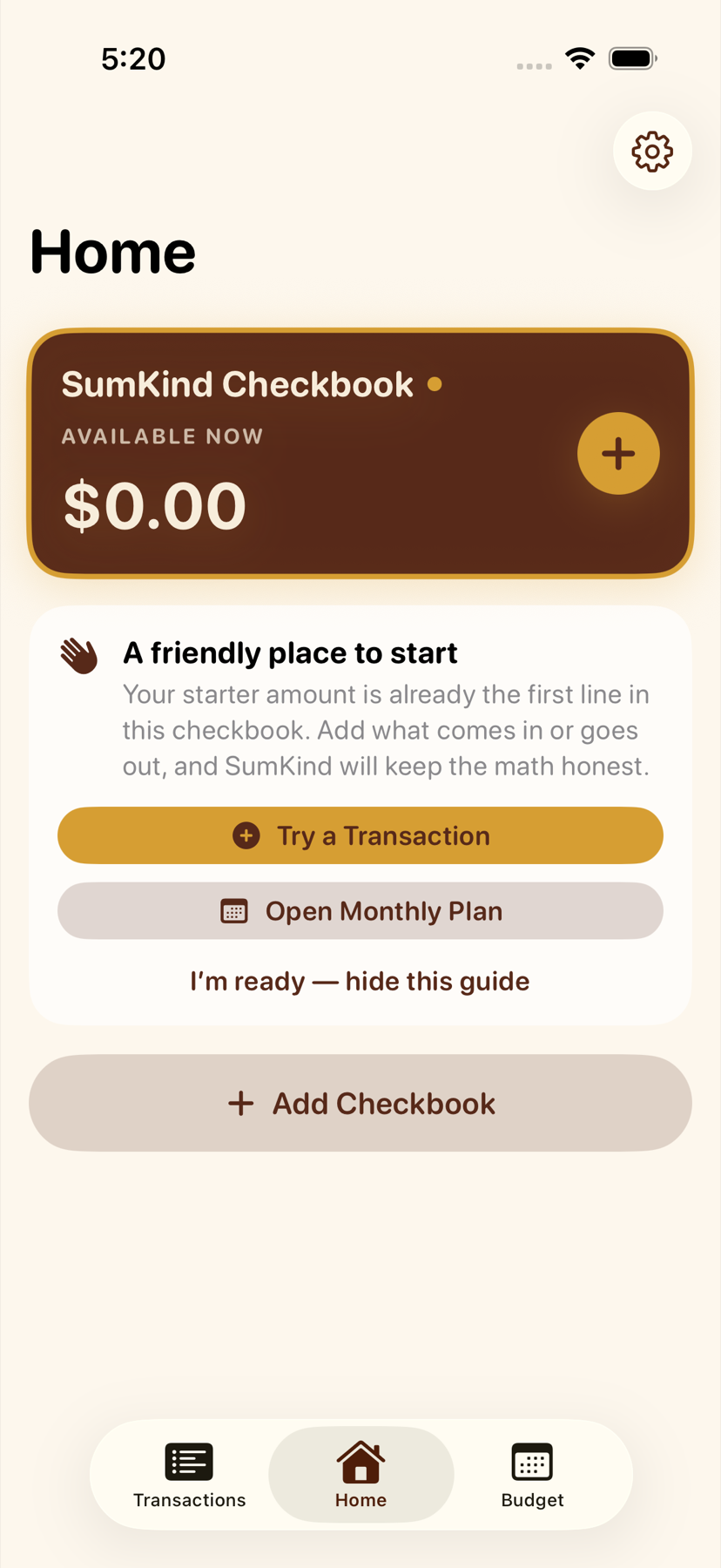
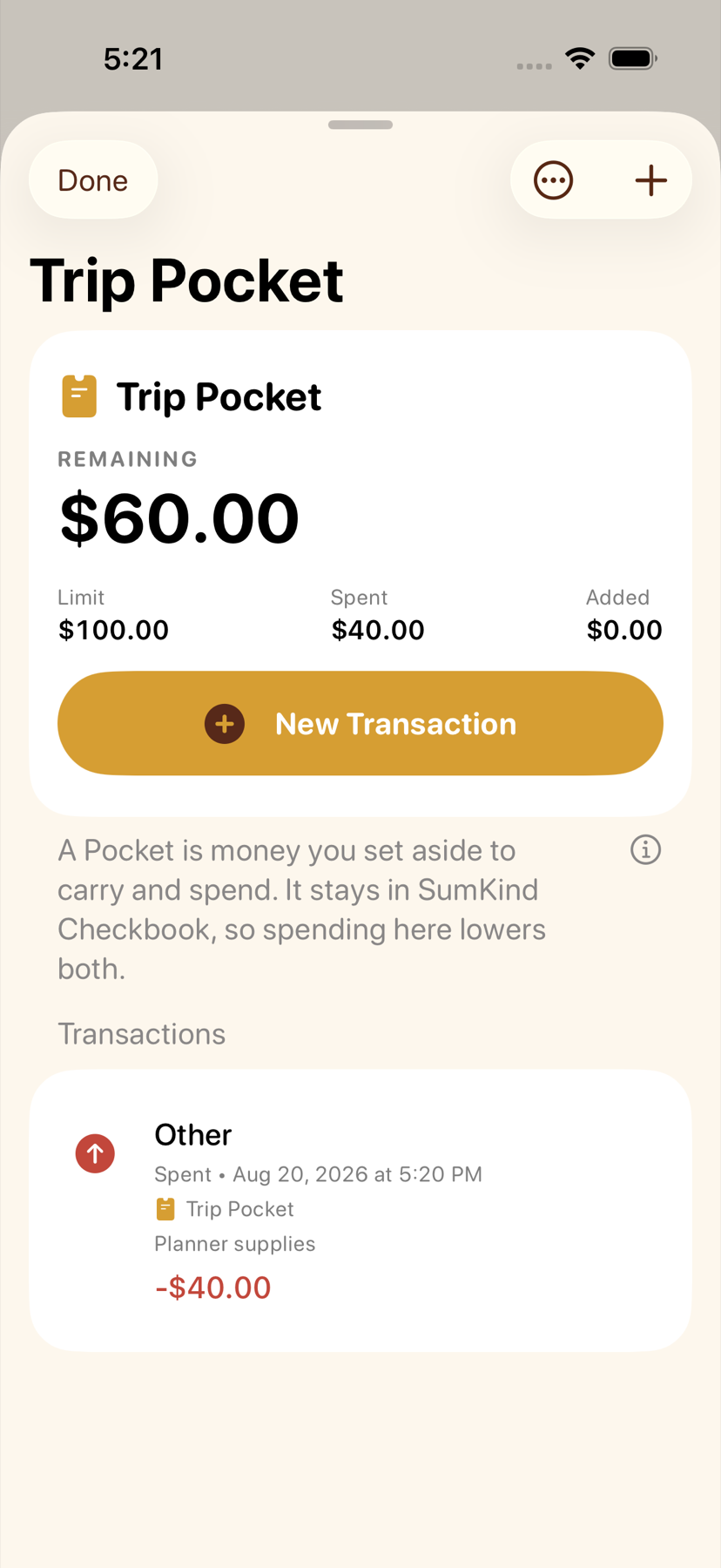
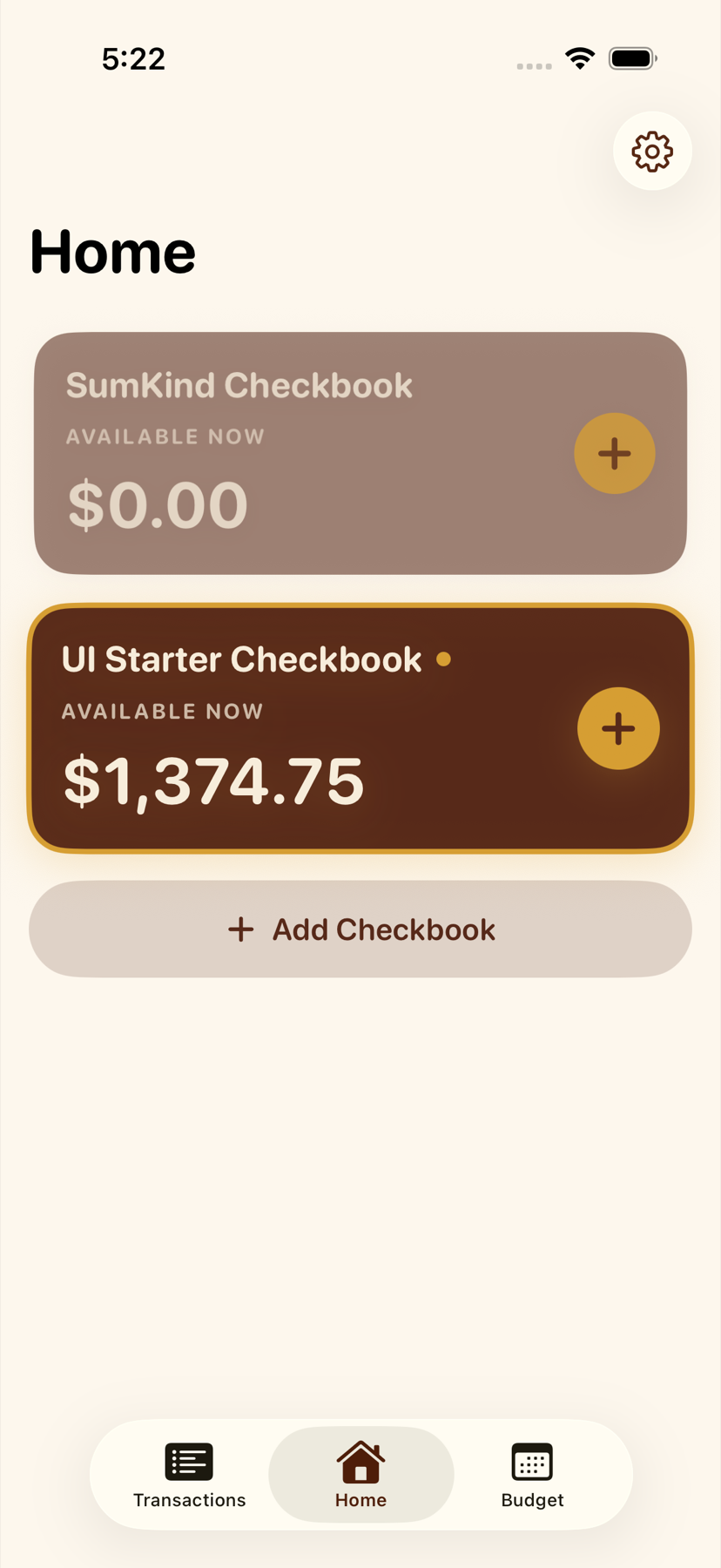
See it in action
Common questions
Does SumKind connect to my bank?
No. The first release is a manual checkbook and household-planning tool.
Where is my data?
On your Apple devices and, if you turn on iCloud, in your private iCloud storage. We do not host or see your checkbook data.
Do purchases change my privacy?
No. Apple handles the payment and tells SumKind what to unlock. We do not receive your card or bank details, and buying an upgrade does not add ads or tracking.
Can I export it?
Yes. SumKind exports transaction and budget CSV files from Settings.
Can another person join my checkbook?
Not in version 1.0. SumKind Together is planned for a later release.